Browser support
Chrome 90 and above, Firefox 88 and above, Safari 14 and above; earlier versions may work but layout and wallet widgets are not guaranteed.
We built mobile browser access so you reach the lobby from any device without waiting for app-store approval or sideloaded files. Log in through your phone's browser and your account, wallet balance and game history stay synced across every session.
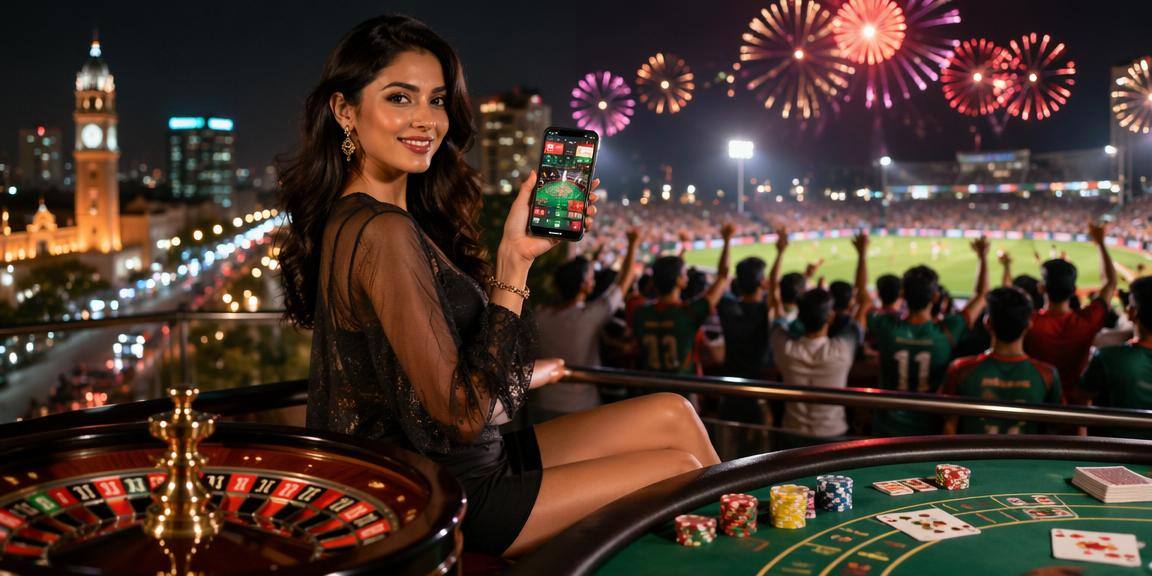
We test on Chrome, Firefox and Safari across Android and iOS. Older browser versions may display layout issues or block certain payment widgets. If fingerprint unlock does not appear, check that your device runs Android 9 or higher and biometric hardware is enabled in system settings.
Chrome 90 and above, Firefox 88 and above, Safari 14 and above; earlier versions may work but layout and wallet widgets are not guaranteed.
Portrait mode is the default; landscape flips to widescreen for live tables and sportsbook grids but some slots force portrait orientation.
You need a verified mobile number and access from an eligible region where local law permits; account approval usually takes under a minute during business hours.
Fingerprint login requires Android 9 or iOS 13 with biometric hardware enabled; older devices fall back to password or OTP login.
Live tables stream at adaptive bitrate starting around 500 kbps; slots and static pages load on slower connections but expect longer spin times on 2G.

You do not need an app-store listing or APK file to play. Open Jetbajj in Chrome, Firefox or Safari on your phone. Tap the account icon, enter your credentials or register a new account with your mobile number. Once logged in, the lobby appears with slots, live tables and sportsbook markets in one scrollable feed. Bookmark the page or add it to
your home screen from the browser menu so you return in one tap. Your wallet balance, bet history and open sessions sync automatically whether you switch from phone to desktop or back.
We keep the mobile experience lean so pages load fast even on slower connections. Dark mode flips automatically after sunset, biometric unlock skips the password step and push notifications tell you when a bet closes or a deposit confirms.
Skip the password screen on supported Android devices by enabling fingerprint authentication in account settings; your session stays active until you log out manually.
Receive instant alerts when your betslip settles, a withdrawal clears to your wallet or a promo starts; toggle notification categories in the account panel.
The interface switches to dark theme automatically after 8 PM or you can lock it to light or dark in display settings; easier on battery and eyes during night sessions.
Game thumbnails cache locally so you can browse slots and table previews while signal drops; tap a tile and the full game loads when connection returns.

Our mobile interface sends push alerts when a betslip settles or a withdrawal clears your bKash, Nagad or Rocket account. You get fingerprint login on supported Android devices, dark mode for late-night sessions and an offline lobby preview that caches game thumbnails while you wait for signal. Live tables stream at adaptive bitrate so the feed adjusts when you move between Wi-Fi
and mobile data. The quick-deposit panel remembers your last wallet choice and pre-fills the account number so topping up before a cricket match takes seconds, not form fields.
Service availability depends on eligible regions and local law. Users should check local rules before opening an account.
Access may be available only where local law permits.